Goreview guide · 5 min read
How to Create a Google Review Link and QR Code
Start with the correct Business Profile review destination, test it, and place the QR code where customers naturally pause.
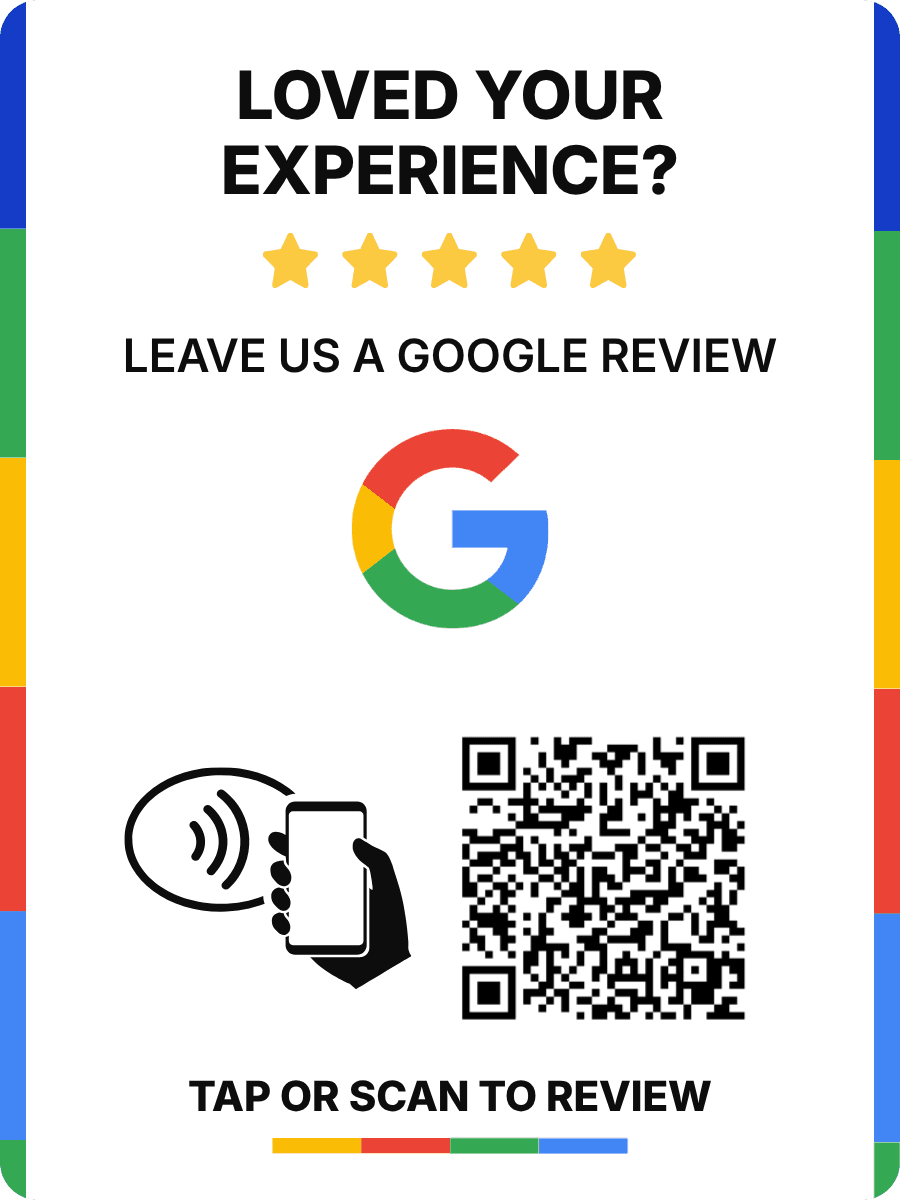
By Goreview · Updated September 8, 2026
Start with your verified business listing
A QR code is only useful when it opens the right business. Begin by signing in to the Google account that manages your Business Profile and use Google's current review-link flow to copy the request link.
Google's interface can change, so use the official Business Profile instructions as the source of truth when you create or refresh the link.
- Check the business name and location before copying the link.
- Confirm that the destination is the review flow, not only the general Maps listing.
- Open the link in a private browser window to test the customer experience.
Turn the link into a QR code
A QR code is a visual shortcut: the customer points their camera at the code and follows the prompt. It should be large enough to scan comfortably, have clear contrast, and sit on a surface that is easy to reach.
Add a plain-language instruction such as 'Scan to share your experience' so customers understand why the code is there.
Put the code where the request makes sense
The most useful placement is close to the end of the customer interaction. Try a checkout counter, reception desk, service handoff, table, packaging insert, or follow-up message—then measure which touchpoint customers actually use.
- Avoid placing the code behind clutter or at an awkward scanning angle.
- Keep it away from other dense QR codes that could confuse customers.
- Use the same destination everywhere so testing and support stay simple.
Keep a change path after printing
A printed QR code is difficult to replace when a listing changes. Goreview puts a permanent route between the printed code and the current Google destination, so the destination can be updated without printing every card again.